The Fastest Way to Add Captions to a Folder of MP4 Files
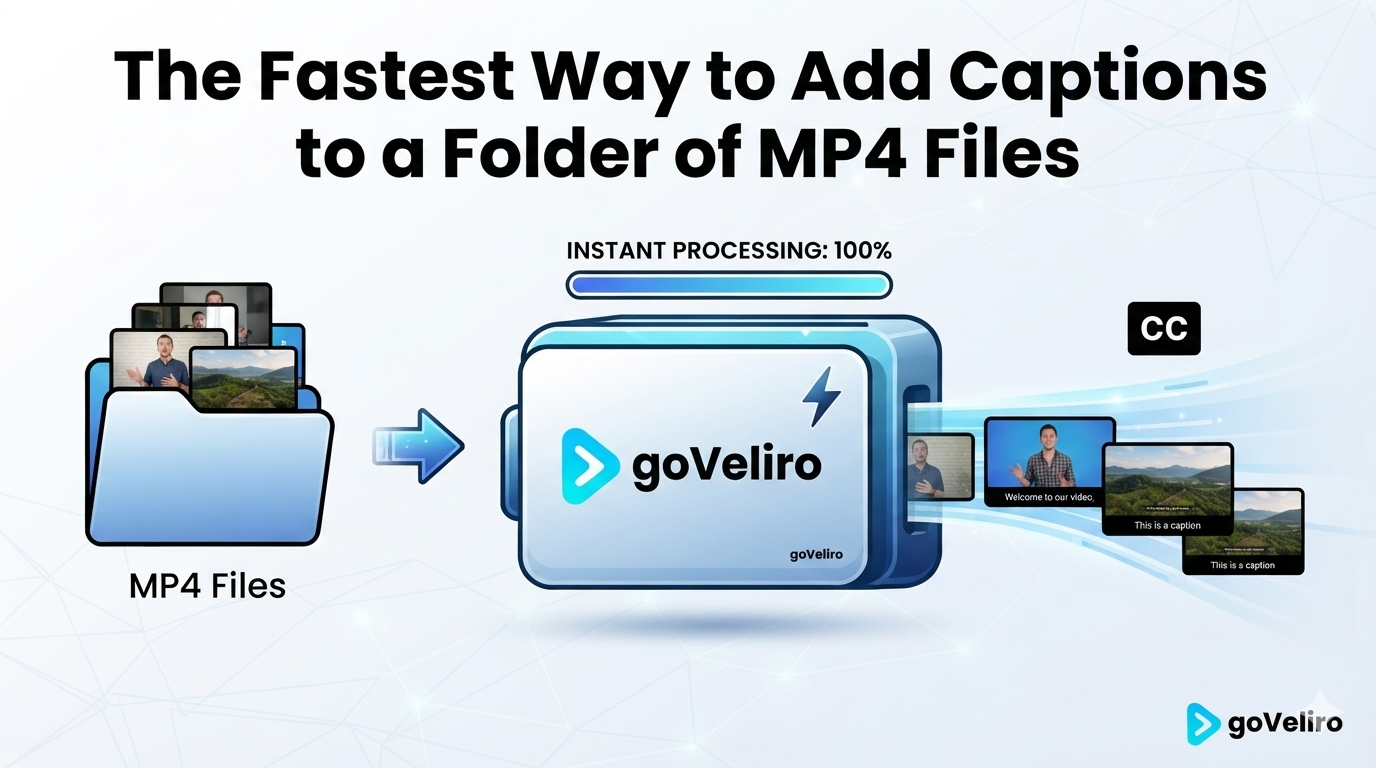
Having a folder full of MP4 files that all need subtitles is a common situation for creators and video professionals.
You may have finished editing a batch of videos, received a collection of clips from a client, or exported an entire series of podcast episodes. The videos are ready, but the captions still need to be generated.
Opening each MP4 file individually isn't necessary when you have a Batch Subtitle workflow.
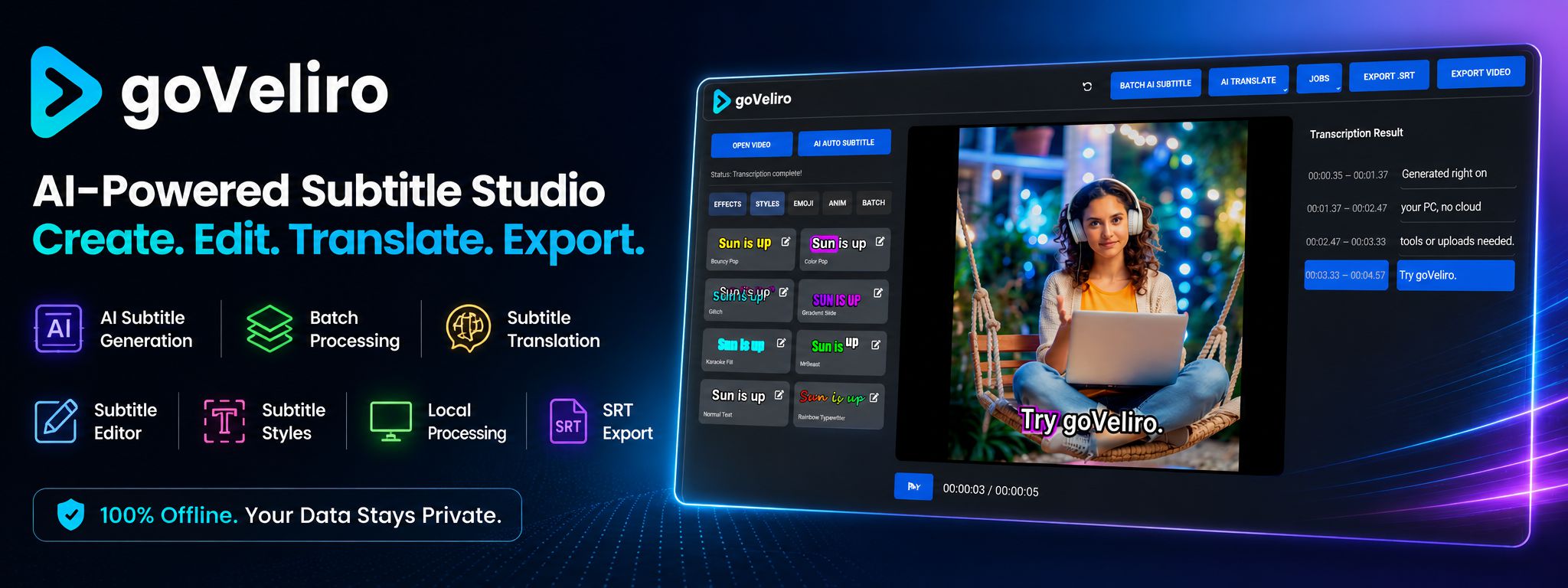
With goVeliro Studio Subtitler, you can select multiple video files and process them together. The software automatically works through the selected videos, generating subtitles without requiring you to start every file separately.
This is particularly useful for folders containing short-form videos. A social media campaign might contain dozens of MP4 clips, and processing each one individually would create a lot of repetitive work.
The same approach works well for longer videos. A podcast season, online course, or collection of interviews can be processed as a group instead of one video at a time.
Another benefit is local processing. The MP4 files don't have to be uploaded to a web-based subtitle service. The videos can remain on your computer while the AI transcription takes place.
After processing, you can review the generated captions and export SRT files or create videos with subtitles included.
The workflow is deliberately simple: select your videos, start the batch, and let the software process the files.
When you have only one MP4 file, almost any subtitle tool can get the job done. When you have an entire folder, the ability to process everything together becomes much more important.