How to Generate Subtitles for 50 Videos in One Click
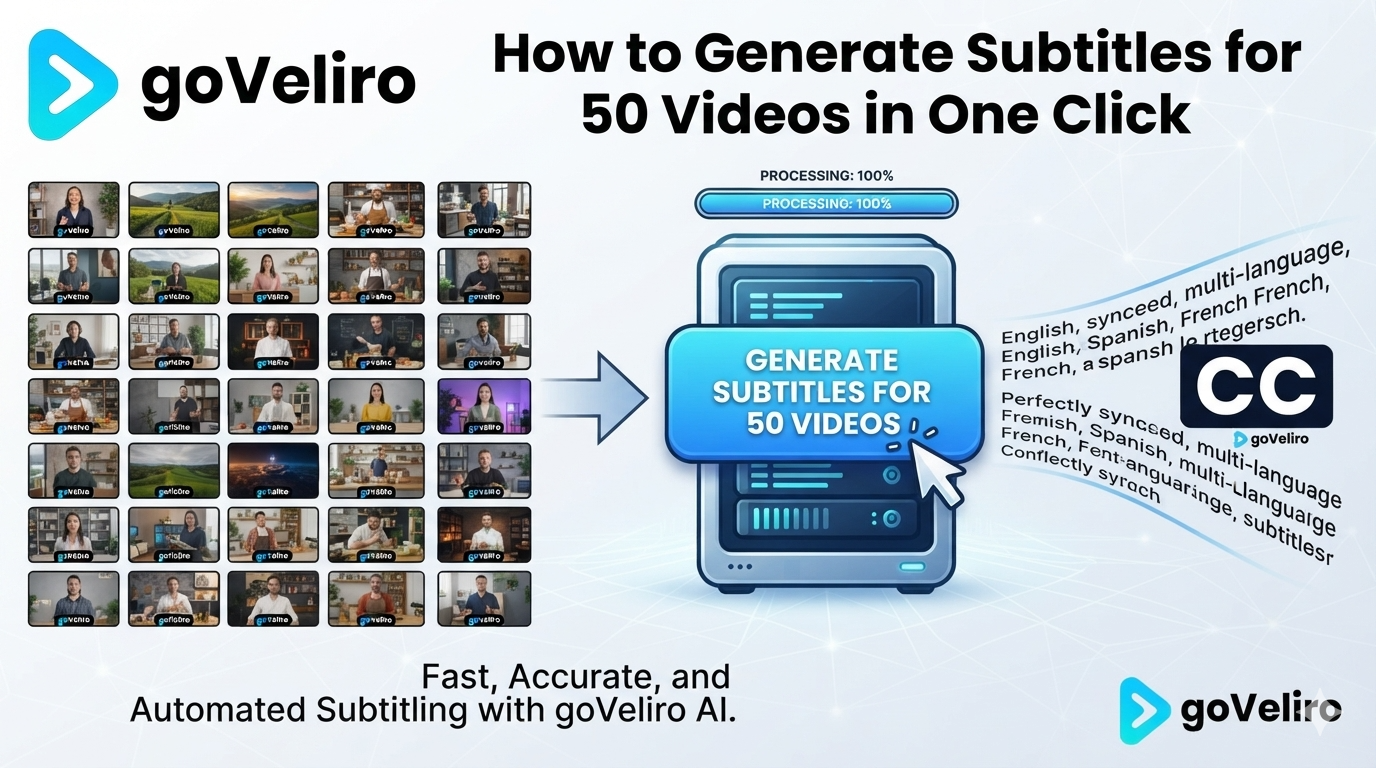
Generating subtitles for one video is simple with modern AI tools. The challenge starts when you have 20, 50, or even more videos waiting to be captioned.
Processing every file separately means repeating the same workflow over and over again. Select a video, start transcription, wait for the result, export the subtitles, and then move on to the next file. Even though AI is doing the actual transcription, managing dozens of individual jobs can still take a lot of time.
Batch Subtitle processing solves this problem by treating multiple videos as one task.
With goVeliro Studio Subtitler, you can add a large group of videos and start the subtitle generation process with just a few clicks. The software works through the files automatically, so you don't have to manually start the transcription for every video.
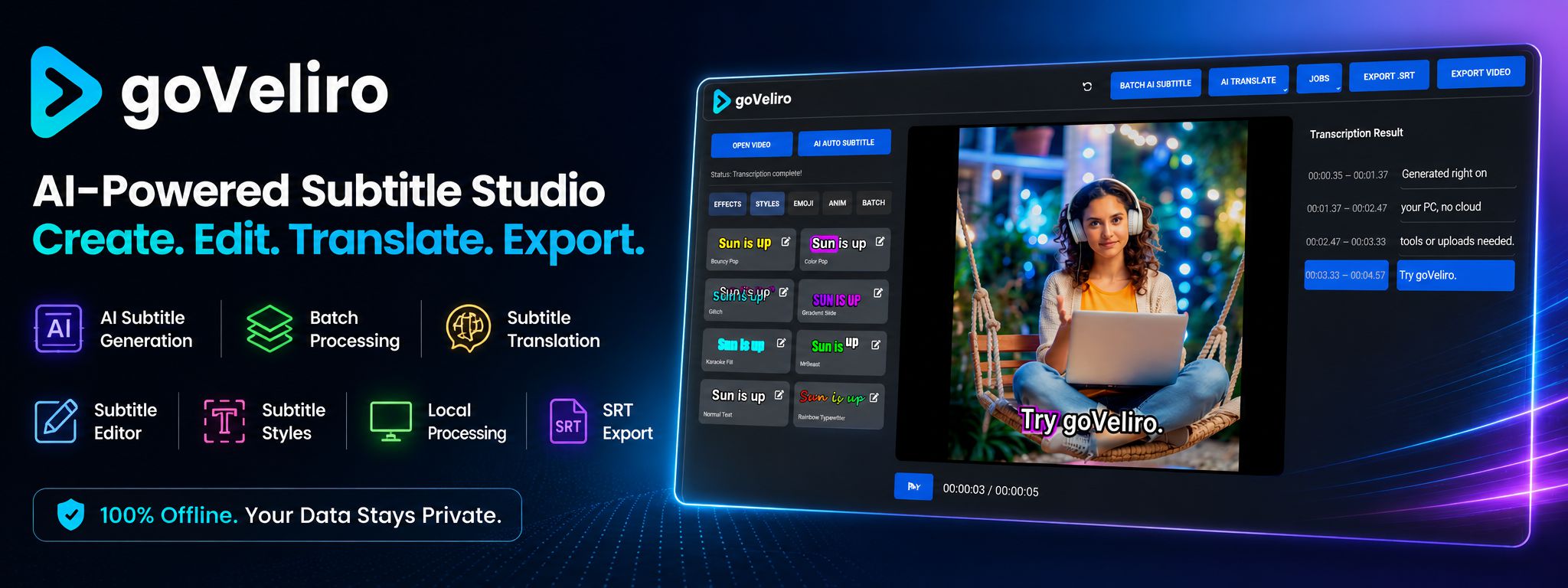
This is useful for YouTube creators with a large video library, agencies processing client content, podcast producers, and businesses creating regular video content.
The videos can also be processed locally on your own Windows computer. There is no need to upload 50 large MP4 files to an online subtitle service before you can start working. This can save considerable upload time and keeps the original footage on your own computer.
Once the batch has finished, the generated subtitles can be reviewed and exported as SRT files or used to create captioned videos.
The real benefit of batch processing isn't simply that the AI works faster. It removes the repetitive steps that normally surround AI transcription.
When you have 50 videos, you don't want to perform the same task 50 times. You want to select the files, start the process, and let the software handle the routine work.