Transcribe Video to Text for Reels & YouTube
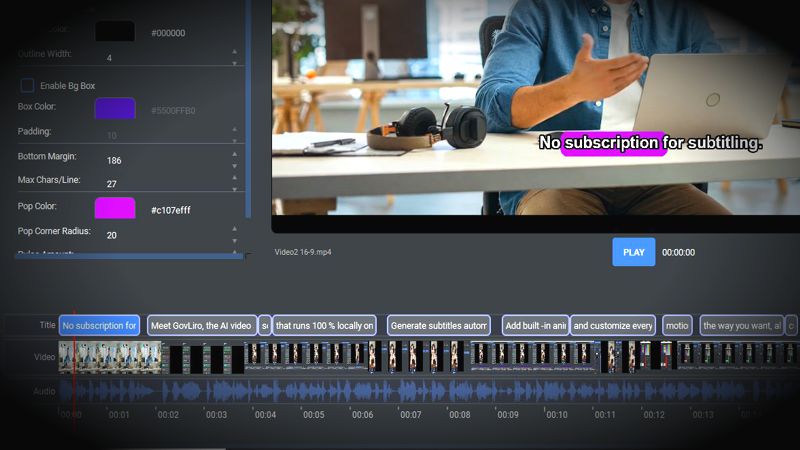
The good news is that you don't need to type out the dialogue yourself. AI transcription can listen to the video's audio and automatically turn spoken words into text, giving you a subtitle draft in a fraction of the time.
For Reels and YouTube creators, this is particularly useful because subtitles are not only about accessibility. Many people watch short-form videos without sound, so clear captions can help viewers understand what is being said even when the audio is turned off.
Online transcription services are one option, but they aren't always ideal for regular video production. You may have to upload every video, wait for it to be processed, and potentially pay a monthly subscription based on how many minutes you use. When you're processing lots of videos every week, these small inconveniences can become a significant part of the workflow.
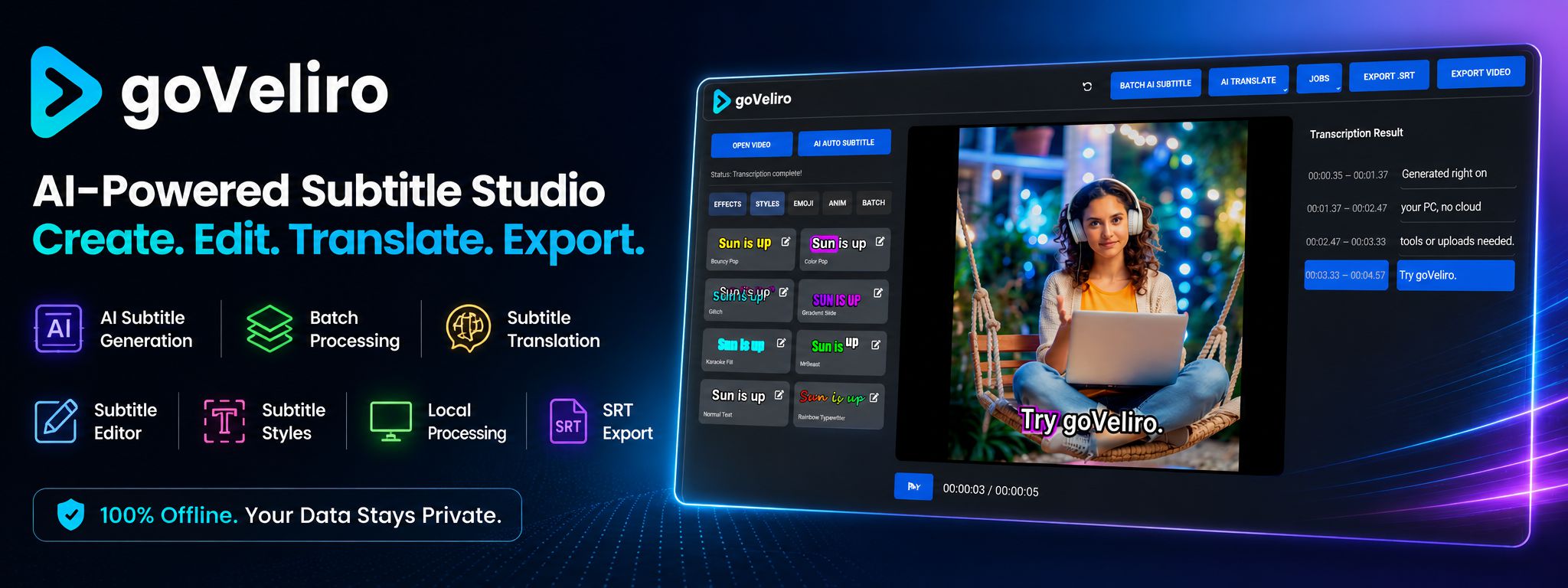
An offline solution provides another option. With goVeliro Studio Subtitler, you can transcribe videos directly on your own Windows computer. The AI processes the video locally, so there is no need to upload your footage to an external subtitle service.
This can be especially useful for creators working with large video files or private content. Instead of waiting for uploads, you can start processing the files directly from your computer. Your original videos also remain on your own device throughout the transcription process.
Once the speech has been converted to text, you can edit the generated subtitles and export them as an SRT file or create a video with the captions included. This makes the same transcription useful for different publishing workflows.
If you're producing many Reels or YouTube videos, batch processing can save even more time. Rather than selecting and processing every video separately, multiple files can be added and processed together. This is useful when you have a folder full of videos waiting for captions.
You can also translate subtitles into other languages, making it easier to reuse your existing content for audiences in different countries. A single video can therefore become the starting point for several versions without having to recreate the entire subtitle workflow.
For creators publishing regularly, the main advantage of AI video transcription is simple: it removes repetitive work. Instead of spending your time typing and timing captions, you can focus on creating better videos while AI handles the first stage of the subtitle process.
Whether you're producing one Reel or preparing subtitles for an entire YouTube library, having a fast and simple transcription workflow can make a noticeable difference.