The Ultimate Premiere Pro Auto Captions Alternative
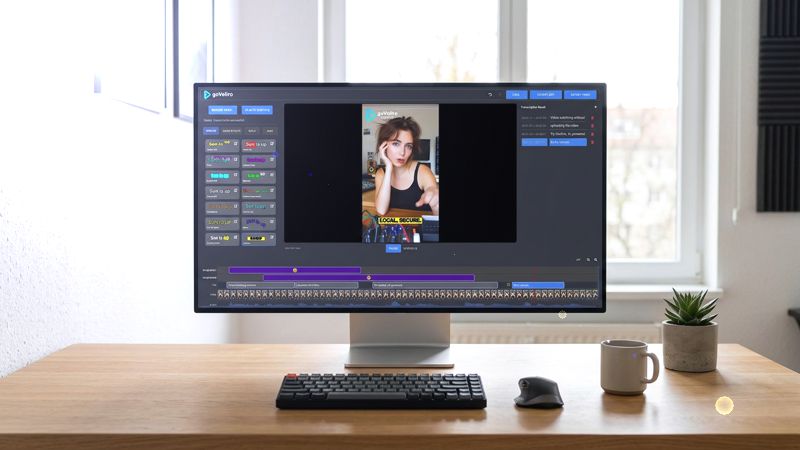
This becomes especially noticeable when you work with a large number of videos. If you have dozens of podcast episodes, YouTube videos, interviews, or social media clips that only need subtitles, opening each project in Premiere Pro can add unnecessary steps to the workflow.
A dedicated subtitle application can make this process much simpler. Instead of importing the video into a full editing project, you can focus directly on transcription, subtitle editing, and exporting the finished captions.
goVeliro Studio Subtitler is designed around this type of workflow. You can add a video, let the local AI transcription generate the subtitles, review the text, and export an SRT file or a subtitled video. The interface is focused on subtitles rather than general video editing, so there are fewer things to configure when captions are the main task.
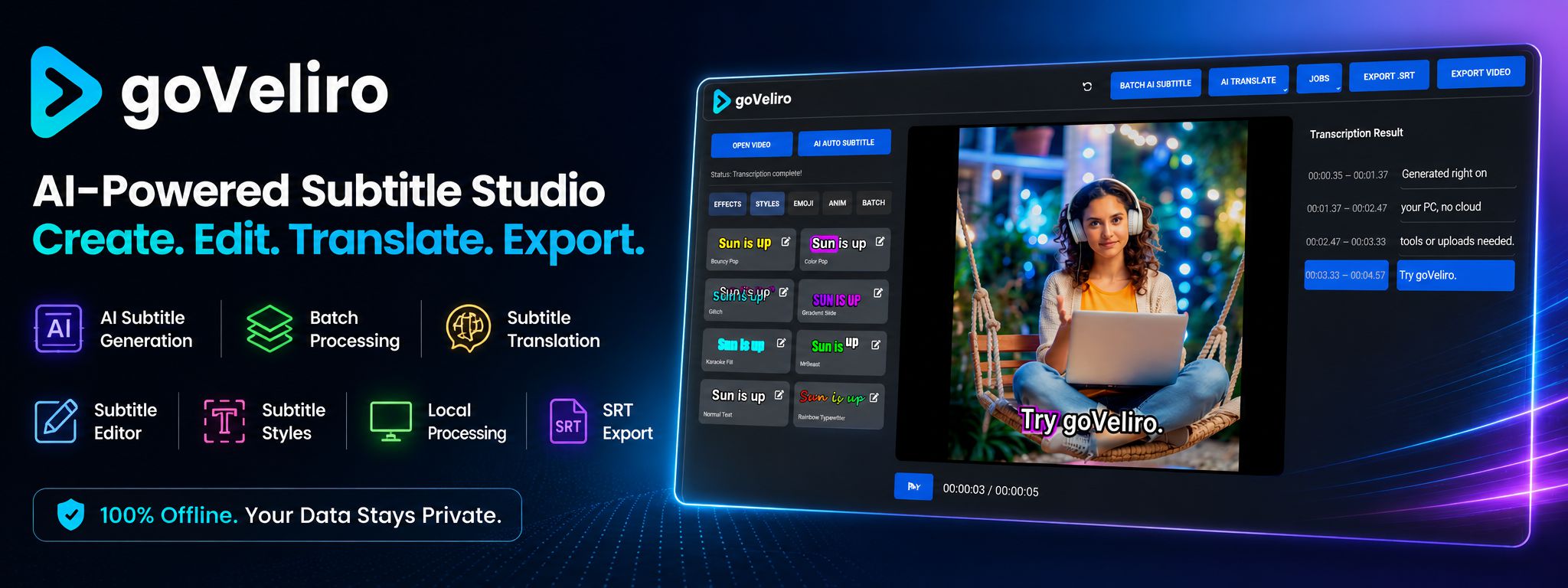
Another important difference is how the videos are processed. For creators who prefer not to upload their footage to an online service, goVeliro can generate subtitles locally on the user's own computer. This means the video can stay on the PC throughout the transcription process.
Local processing can also be useful for large video files. Long podcasts and high-resolution recordings can take a considerable amount of time to upload to cloud-based services. With a desktop workflow, there is no need to wait for an upload before subtitle generation can begin.
The batch feature is another advantage when working with multiple videos. Instead of opening and processing every video individually, you can select a group of files and let goVeliro process them together. This can be particularly useful for agencies, YouTube creators, and podcasters with a large backlog of videos.
There is also support for subtitle translation, which can be useful when creating content for an international audience. You can generate the original subtitles first and then prepare translated versions without building the entire subtitle workflow from scratch.
This doesn't mean that Premiere Pro is a bad choice. If you're already editing a video extensively in Premiere Pro and only need captions occasionally, its built-in tools can be perfectly suitable.
But if you are looking for a dedicated tool specifically for AI subtitle generation, especially when processing many videos or keeping your files local, a standalone subtitle application can provide a simpler workflow.
For creators who frequently need captions, the best tool is often the one that removes unnecessary steps. If your main task is generating, editing, translating, and exporting subtitles, you may not need to open a full video editing project every time.