CapCut Desktop vs. goVeliro Studio: Which is Better for Captions?

CapCut Desktop is a popular choice for creators who want to edit videos, add effects, and create captions in the same application. It makes sense if you're looking for an all-purpose video editor.
But if subtitles are the main reason you're opening the software, a dedicated subtitle application can provide a more focused workflow.
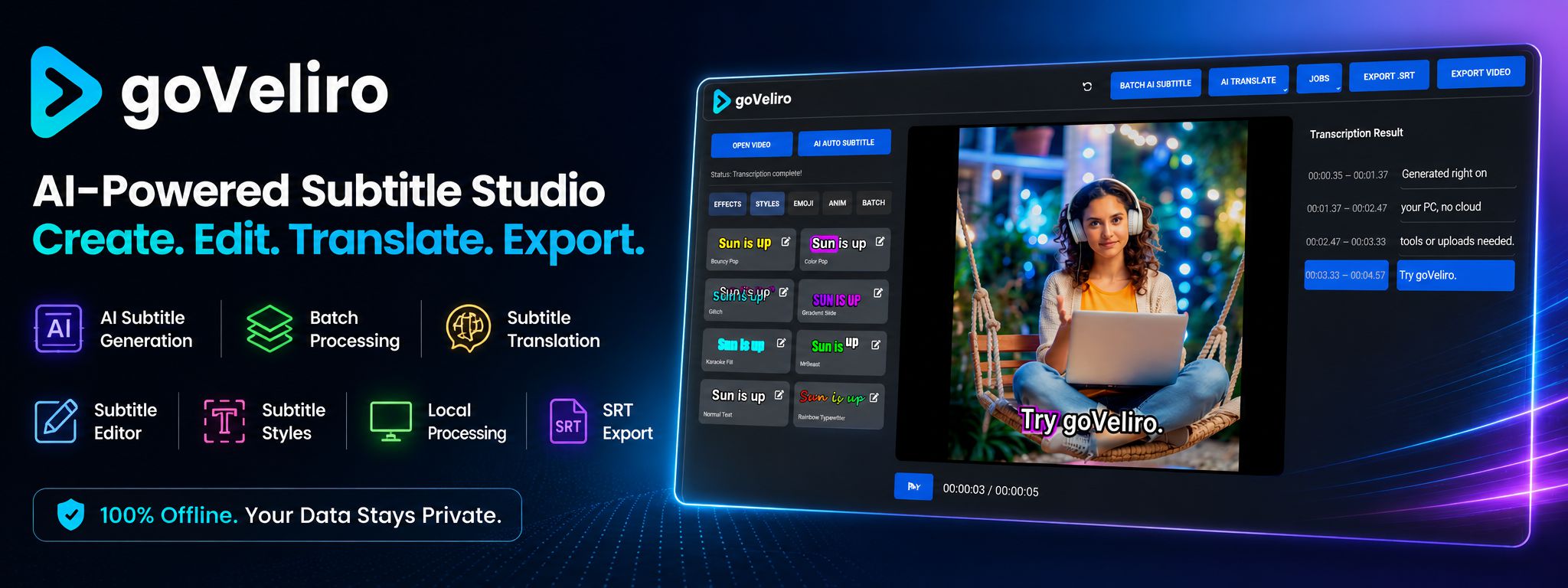
CapCut is built around video editing. goVeliro Studio Subtitler is built around transcription and subtitles. You can import a video, generate AI captions, edit the text, and export the result without setting up a complete video editing project.
The difference becomes more noticeable when you have many videos to process. goVeliro supports Batch Subtitle processing, allowing multiple videos to be processed together rather than starting each transcription separately.
Another consideration is local processing. goVeliro performs AI transcription directly on the Windows computer, so you don't have to upload your video to a cloud platform just to generate subtitles.
This can be useful for long podcasts or private footage, where uploading large video files isn't always desirable.
That doesn't make one application universally better than the other. CapCut is a broader video editing tool, while goVeliro is more specialized.
If you need effects, transitions, music, and general video editing, CapCut may be the more appropriate choice. If your main task is creating and managing AI subtitles, goVeliro's more focused workflow may be more convenient.